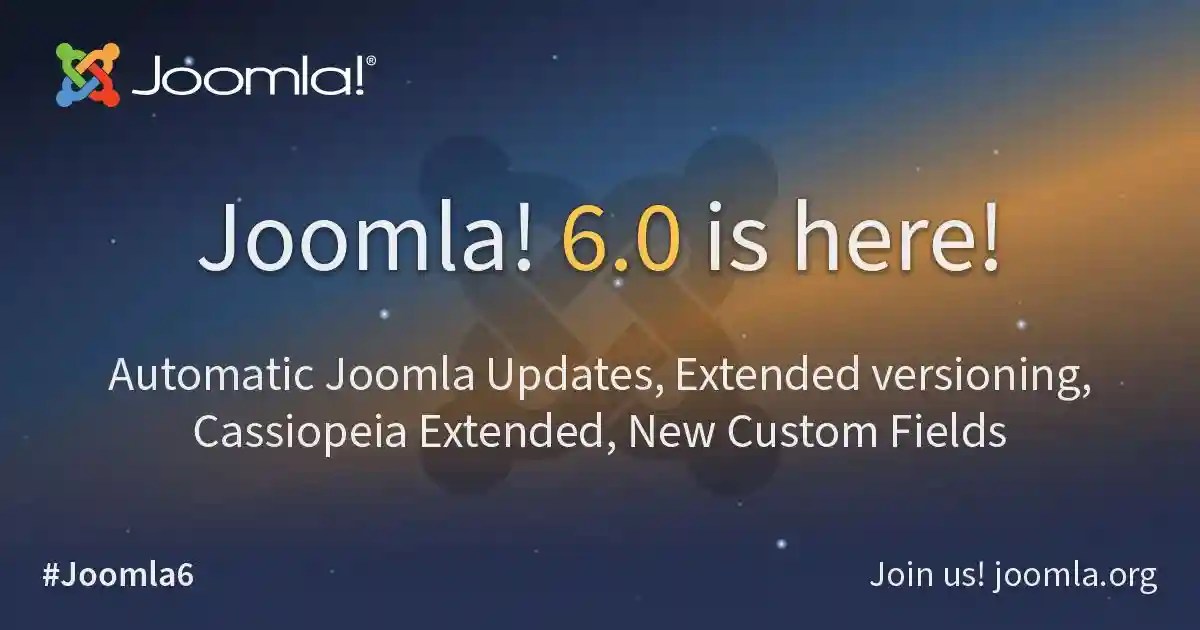
We told you a few days ago that the release of Joomla 6 was imminent and it has finally happened. You can now download completely free a CMS that already had major features and that, of course, introduces new improvements and features that we review below.
After two years of tireless work by volunteers, let us not forget we are talking about a free and open source CMS, the following new features have been added. The result is a release focused on security, ease of use and smoother upgrades.
- Automatic updates: In Joomla 5.4 (Kutegemea) and 6.0 automatic updates arrive in the CMS core. Easy for non technical profiles and essential to stay safe on today’s Internet. Automatic core updates reduce risk and maintenance time.
- Cassiopeia child template with expanded customization options: Child templates of the main template can now be customized, such as changing fonts or colors. This lets you adjust design choices without touching the parent template.
- Advanced versioning: Version control is always very interesting to be able to recover content. Now this reaches fields, sections and tags so that changes are stored, can be compared and can be restored at any time. Field, section and tag versioning enables compare and restore at any time.
- New custom fields: Two new custom fields are available, the Notes field and the Number field. These additions expand structured content options.
- Backward compatibility: We said goodbye to painful migrations some time ago, now migration will not cause problems. Backwards compatibility minimizes friction when moving to Joomla 6.
- And there are many more improvements, such as the introduction of the TinyMCE 8.0.1 editor, improved code and many others. TinyMCE 8.0.1 and assorted core refinements round out the release.
All this adds to everything Joomla already brought. Among Joomla’s main advantages we find:
- Joomla is very complete in its core: out of the box it brings a large number of interesting features such as templates, overrides, multilingual, advanced roles and permissions, responsive, version control. It lets you build a solid site very fast without using extensions. Strong defaults reduce dependence on third party extensions.
- Competent SEO in the core (with tuning): it includes cache, gzip compression, friendly URLs, redirects, RSS and much more. It can be enhanced with popular extensions that improve it even further, both SEO and performance, which is already very high from the start. Core SEO and performance are solid and extensible.
- Easy installation and getting started: installing Joomla is quite simple and you start with a CMS even more powerful than WordPress, although WordPress’s new block editor is a delight. Setup is straightforward for launching robust sites quickly.
- Easy updates: now keeping your Joomla up to date is child’s play if you have not made risky customizations or fallen into bad practices. Straightforward updates reduce operational overhead.
- Cycle improvements in Joomla 5: major versions every 2 years (like Joomla 6), planned deprecations and fewer migration traumas than in previous versions. Predictable cycles and planned deprecations simplify long term maintenance.
- Security best practices: with good security features and practices included in the core. Security oriented defaults are included in the platform.
Minimum and recommended requirements
Joomla’s minimum requirements have never been too low, especially since the update to Joomla 5 and this generated controversy. The minimum required PHP version is 8.3, for example.
| Software | Recommended | Minimum | Required |
| PHP | 8.4 | 8.3.0 | 8.3.0 |
| Bases de datos | |||
| MySQL | 8.4 | 8.0.13 | 8.0.13 |
| MariaDB | 12.0 | 10.6 | 10.4 |
| PostgreSQL | 17.6 | 14.0 | 12.0 |
| Servidores web | |||
| Apache | 2.4 | 2.4 | |
| Nginx | 1.29 | 1.26 | |
| Microsoft IIS | 10 | 10 |
Joomla can be tested for free without downloading anything
There is a service through which you can test Joomla for free without downloading anything, Joomla Launch. It is the official cloud service to test Joomla for free without installing anything. Absolutely recommended to play with the CMS, including new versions, create a staging site and evaluate extensions and changes before doing it in production.
* Original article written in Spanish, translated with AI and reviewed in English by Jorge Mediavilla.